Gaming has come a long way since the days when consoles and expensive gaming PCs were the only way to enjoy powerful titles. Modern mobile technology now makes it possible to experience demanding games while you're on the go. GameHub takes this concept further by combining PC game emulation, cloud gaming, remote play, controller support, and gameplay recording in one Android-focused gaming platform.
With the right hardware and a stable connection, you can enjoy your favourite games from almost anywhere and turn your Android smartphone or tablet into a flexible gaming device.
What Is GameHub?
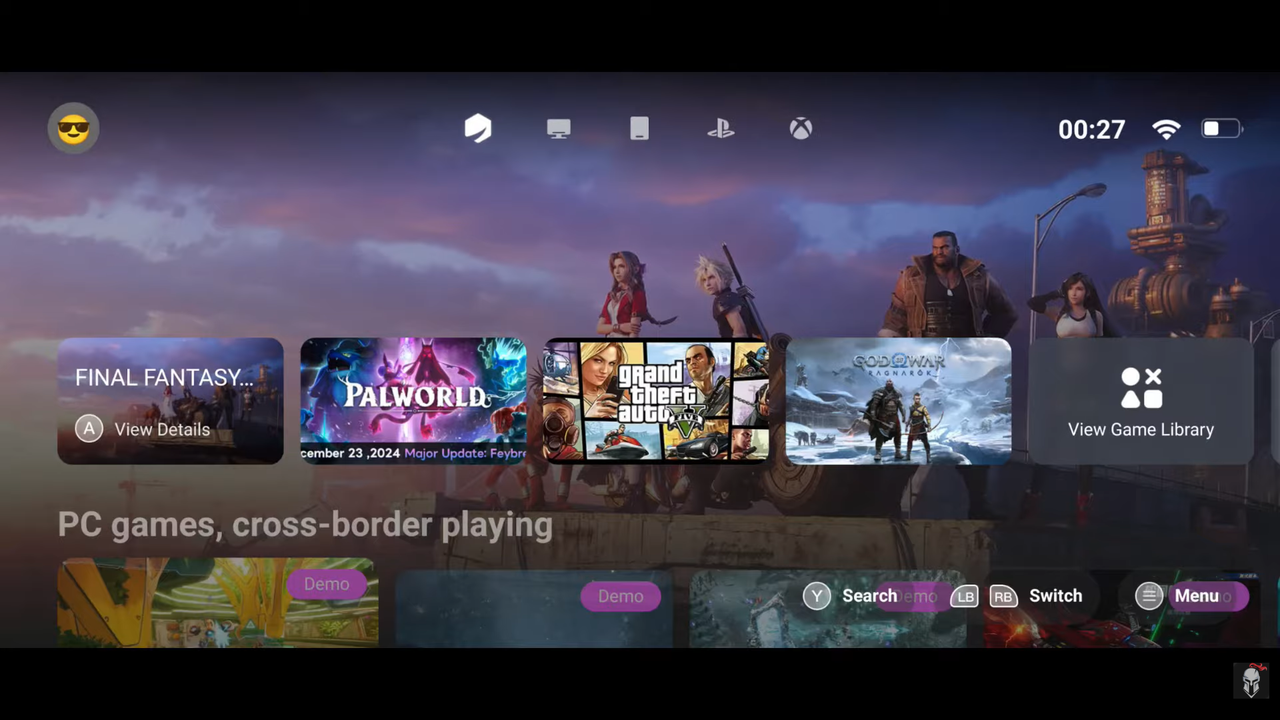
GameHub is a cross-platform gaming ecosystem designed to bring different gaming experiences together on compatible Android devices. Depending on the mode and hardware you use, the platform can support local game emulation, cloud-based game streaming, or remote streaming from your own gaming PC.
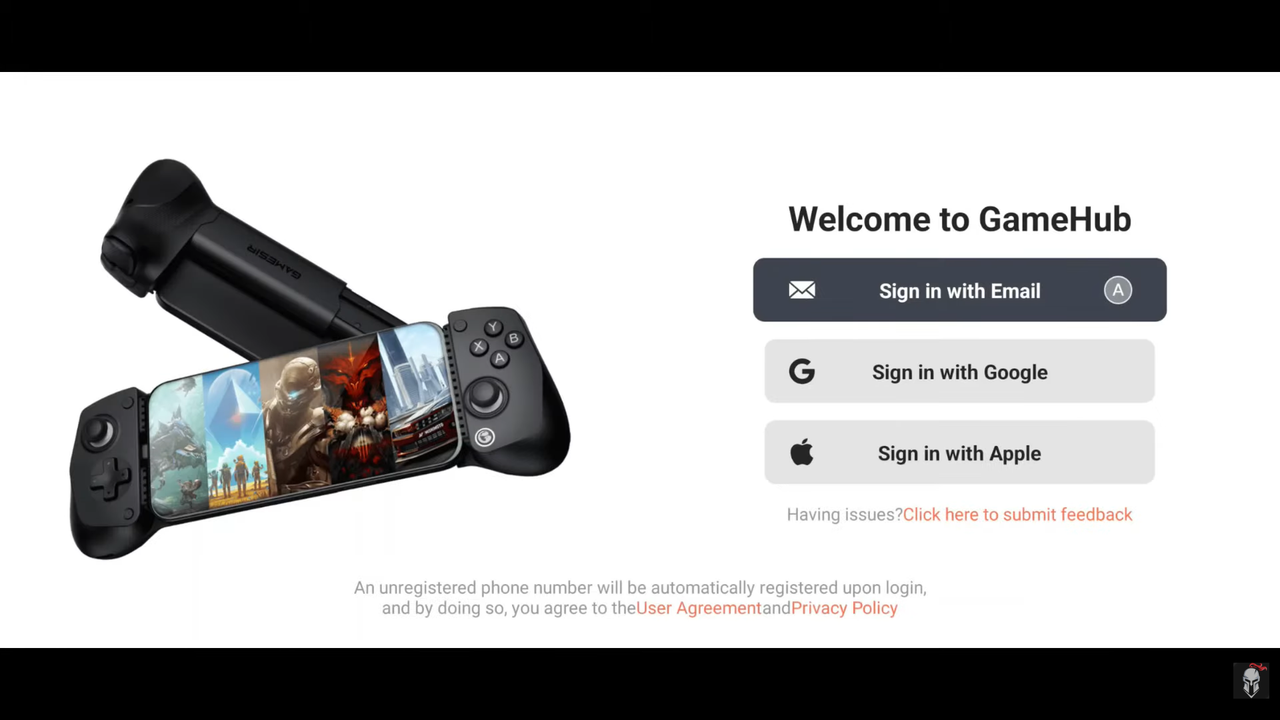
The platform can also work with supported gaming accounts and external controllers, giving users more flexibility when playing different types of games. For users searching for a lightweight alternative, GameHub Lite APK may be worth exploring, particularly on low-end and mid-range Android devices.
The exact features and performance available through GameHub depend on your Android device, the game being played, and the selected gaming mode.
How GameHub Works – 3 Powerful Modes
1. Native PC Emulation
Native emulation is one of the main attractions of GameHub. Its emulation technology is designed to allow compatible PC games to run locally on supported Android hardware instead of relying entirely on cloud servers.
- No cloud connection required: Compatible locally installed games can run directly on the device.
- Portable gaming: Play supported titles without carrying a gaming PC.
- Local processing: Game performance depends on your smartphone or tablet's CPU, GPU, RAM, and available storage.
Performance can vary considerably between devices and games, so demanding PC titles may require a powerful Android phone or tablet and appropriate configuration.
If you're interested in other platforms, the ax360e emulator is another option to explore for Xbox 360 emulation on compatible Android hardware.
2. Cloud Gaming
GameHub can also provide access to cloud-based gaming experiences. Instead of running a demanding game directly on your smartphone, the game is processed on a remote server while your device receives the video stream and sends your controls back to the server.
- Games run on powerful remote hardware.
- Your smartphone acts as the screen and input device.
- Local storage requirements can be significantly reduced.
- A fast and stable internet connection is essential.
Cloud gaming can make it possible to experience graphics-intensive titles on devices that would otherwise struggle to run them locally. However, connection quality, server distance, and network stability can significantly affect latency and image quality.
3. Remote PC Game Streaming
If you already have a powerful gaming PC at home, remote streaming provides another way to play your PC library on an Android device.
The computer handles the game's processing while GameHub streams the gameplay to your smartphone or tablet. This can be especially useful when you want to play from another room or use a mobile device as a secondary gaming screen.
Depending on the supported setup, users may be able to connect gaming accounts and configure PC or console-related streaming features.
For the best experience, a strong Wi-Fi connection and a properly configured gaming PC are recommended.
How You Play Is Up to You
GameHub offers flexible control options for different types of gamers:
- Gamepad Support: Connect a compatible USB-C or Bluetooth controller for a traditional console-style experience. Players who use GameSir hardware may also be interested in the GameSir GameHub emulator ecosystem.
- Touchscreen Controls: Use customizable on-screen controls when you don't have a physical controller available.
- Keyboard and Mouse: Connect compatible keyboard and mouse accessories for games that work better with traditional PC controls.
The available controls and compatibility can vary depending on the Android device, game, emulator, and connected hardware.
GameHub Lite for Better Performance
Users with less powerful smartphones may prefer a lighter configuration. GameHub Lite APK is aimed at providing a simpler and potentially less demanding experience compared with a full-featured gaming setup.
If you're specifically searching for GameHub Emulator 5.3.5, make sure you verify the exact version and compatibility before installation. Different releases can include different features, optimisations, or device requirements.
It's also important to remember that an emulator cannot overcome the physical limitations of your smartphone. A powerful processor, sufficient RAM, fast storage, and good thermal management can make a major difference when running demanding games.
Record, Edit, and Share Your Gameplay
GameHub can go beyond simply playing games by offering tools for capturing and managing gameplay footage.
- Gameplay Recording: Capture important gaming moments and memorable sessions.
- Video Editing: Trim or adjust recorded clips before sharing them.
- Sharing: Prepare gameplay footage for social platforms or personal archives.
These tools can be useful for content creators, streamers, and casual players who want to save highlights from their gaming sessions.
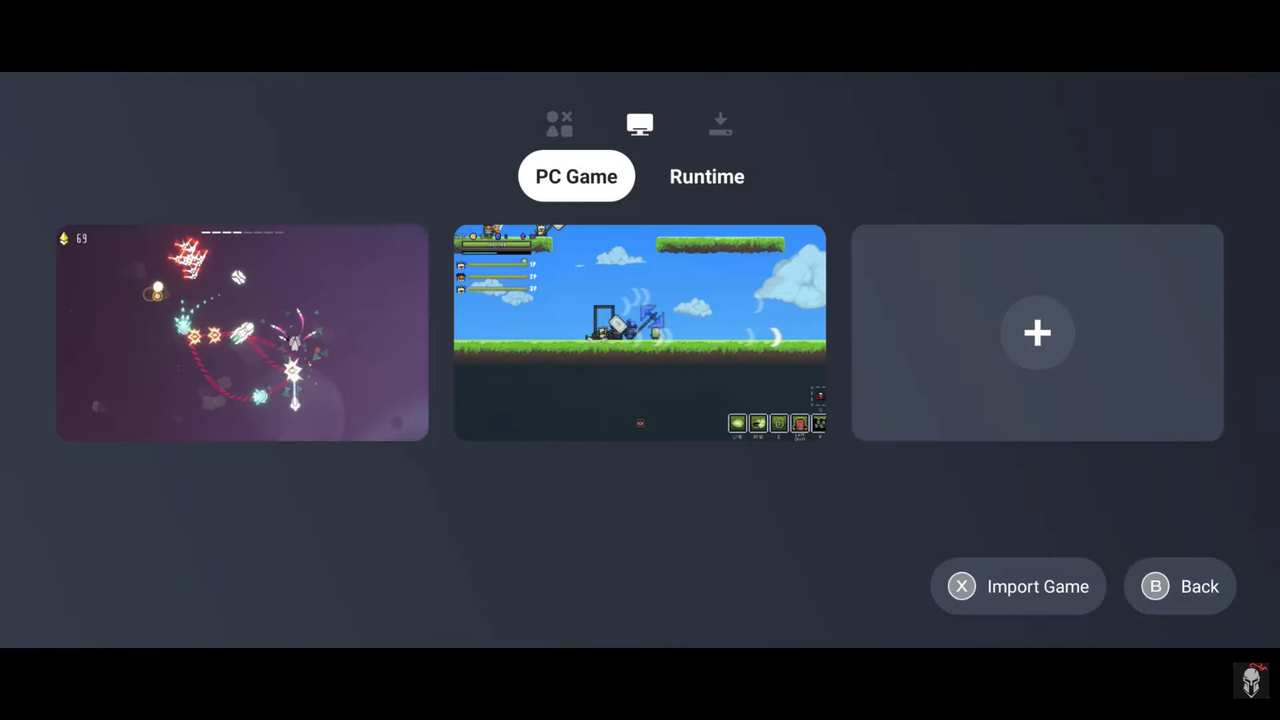
Cross-Platform Performance – One App, Multiple Experiences
One of GameHub's main advantages is its ability to bring different gaming methods together through a single interface.
Depending on the supported configuration, users can:
- Run compatible games locally through emulation.
- Stream games from supported cloud services.
- Stream games from a personal gaming PC.
- Connect compatible controllers and accessories.
- Use GameHub across supported Android smartphones and tablets.
Players interested in alternative emulation projects may also come across Eden v0.0.4 , which is another emulator-related option. However, Eden and GameHub are separate projects, so their compatibility, supported platforms, and features should not be treated as identical.
Conclusion
GameHub brings together several approaches to mobile gaming, including local emulation, cloud gaming, remote PC streaming, controller support, and gameplay recording. This makes it an interesting option for gamers who want more flexibility than traditional mobile games provide.
Whether you're exploring the gamesir gamehub emulator , looking for information about gamehub emulator 5.3.5 , comparing it with eden v0.0.4 , or considering an ax360e emulator , remember that performance and compatibility depend heavily on the device, game, emulator version, and available hardware.
For the best experience, use compatible games and hardware, keep your software updated, and download applications only from trustworthy sources.